01Foundation
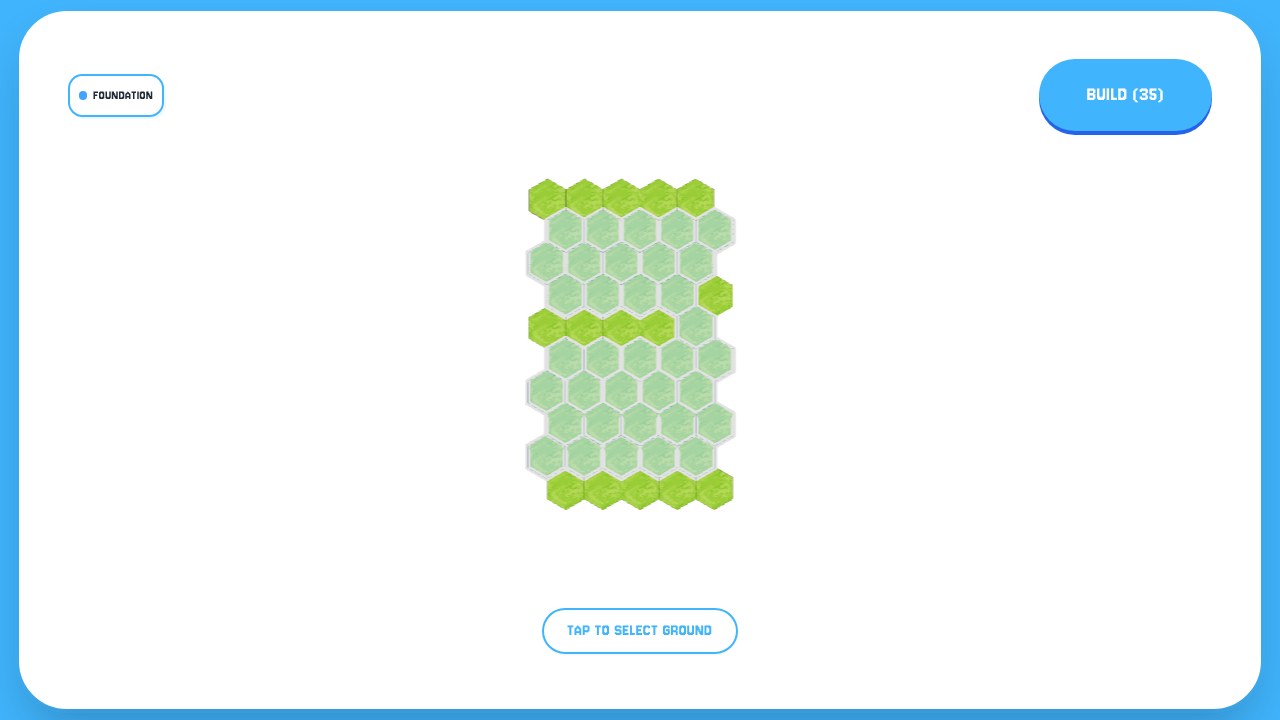
Tap to select ground. Pick the tiles you want to build on, then press Build. The button counts them as you go.
/ Component 03 of 03 /
Snap hexagonal tiles together to design 3D worlds. Click, place, share.
/ Foundation, then Design /
Tap to select ground. Pick the tiles you want to build on, then press Build. The button counts them as you go.
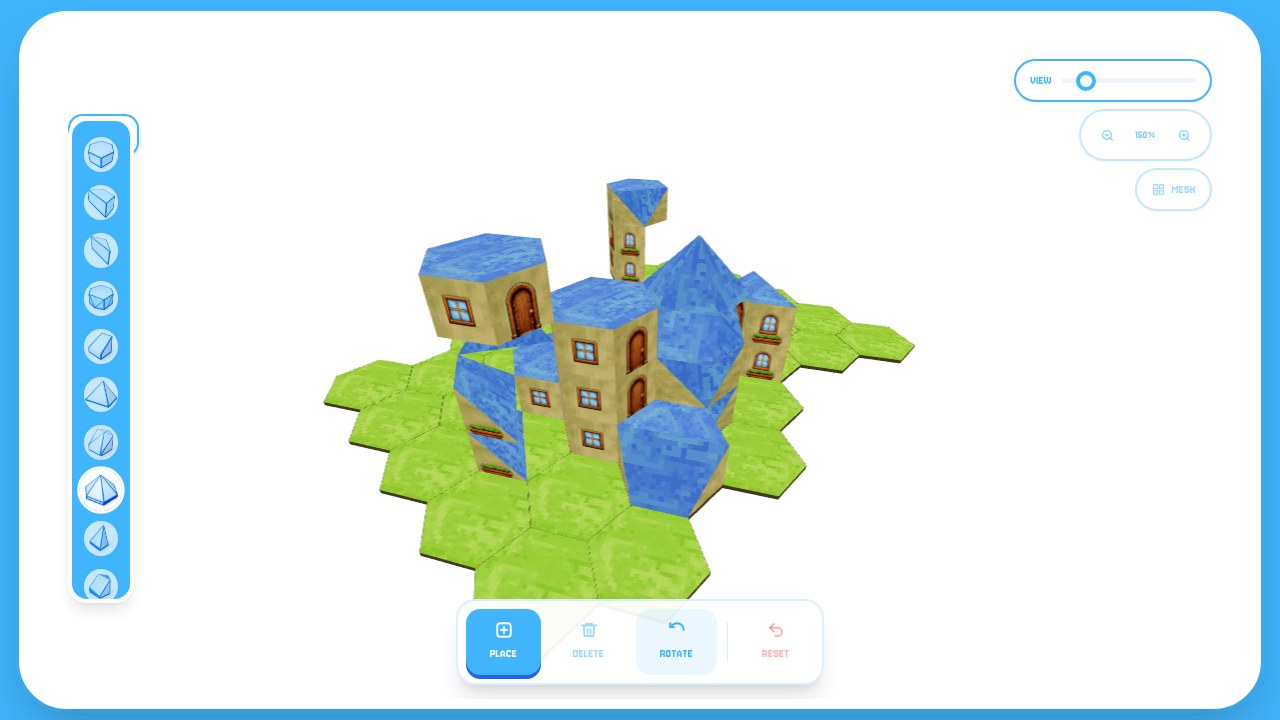
Choose a piece from the rail and tap a tile to place it. Tap the same tile again and the next piece stacks on top.
/ The kit /
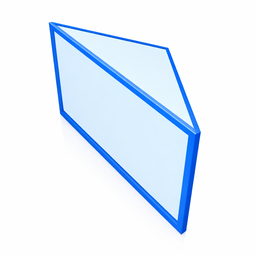
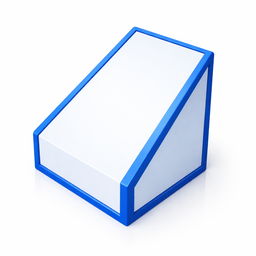
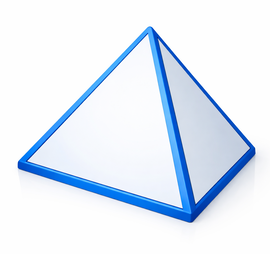
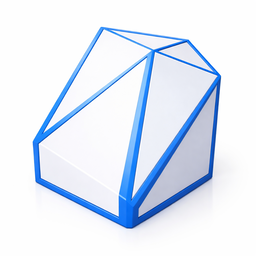
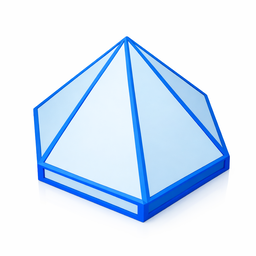
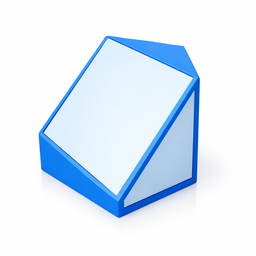
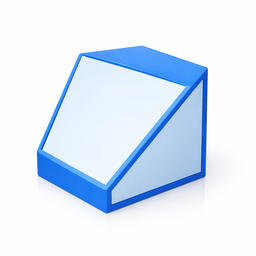
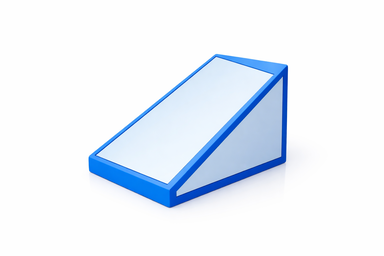
Three blocks and nine roofs, all cut to the same hexagon, so anything you place lines up with its neighbours.




/ The bar under the build /
Drops the selected piece on a tile, or on top of what is already there.
Takes away the top piece on a tile and leaves the rest of the stack standing.
Turns the top piece 60° with each tap, so a roof can face any of six ways.
Clears the build and takes you back to Foundation to choose new ground.
HexaBuilder is how the worlds of Arthis.Land are put together.